
How to Get Google to Index Your Website Content Faster
One of the biggest concerns for many websites today is the inability to notify Google about their latest content promptly. Due to these delays, many websites remain at a disadvantage in terms of SEO.
Google has introduced a new solution to address this problem faced by website administrators who work hard to improve their website quality by regularly publishing original content.
Newly established websites or websites that have not yet proven their quality may face a particular problem. Before Google indexes the content they publish, their competitors may discover the same content, submit it to Google, and have it indexed first. When the original website content is indexed later, it may lose its originality because the same content already exists on another website and may be caught by duplicate content filters. There is now a new way to overcome all these problems.
In recent years, Google has introduced many innovations to help website administrators overcome their challenges. One of the most important of these innovations is the "Fetch as Google" tool, which helps address these problems.
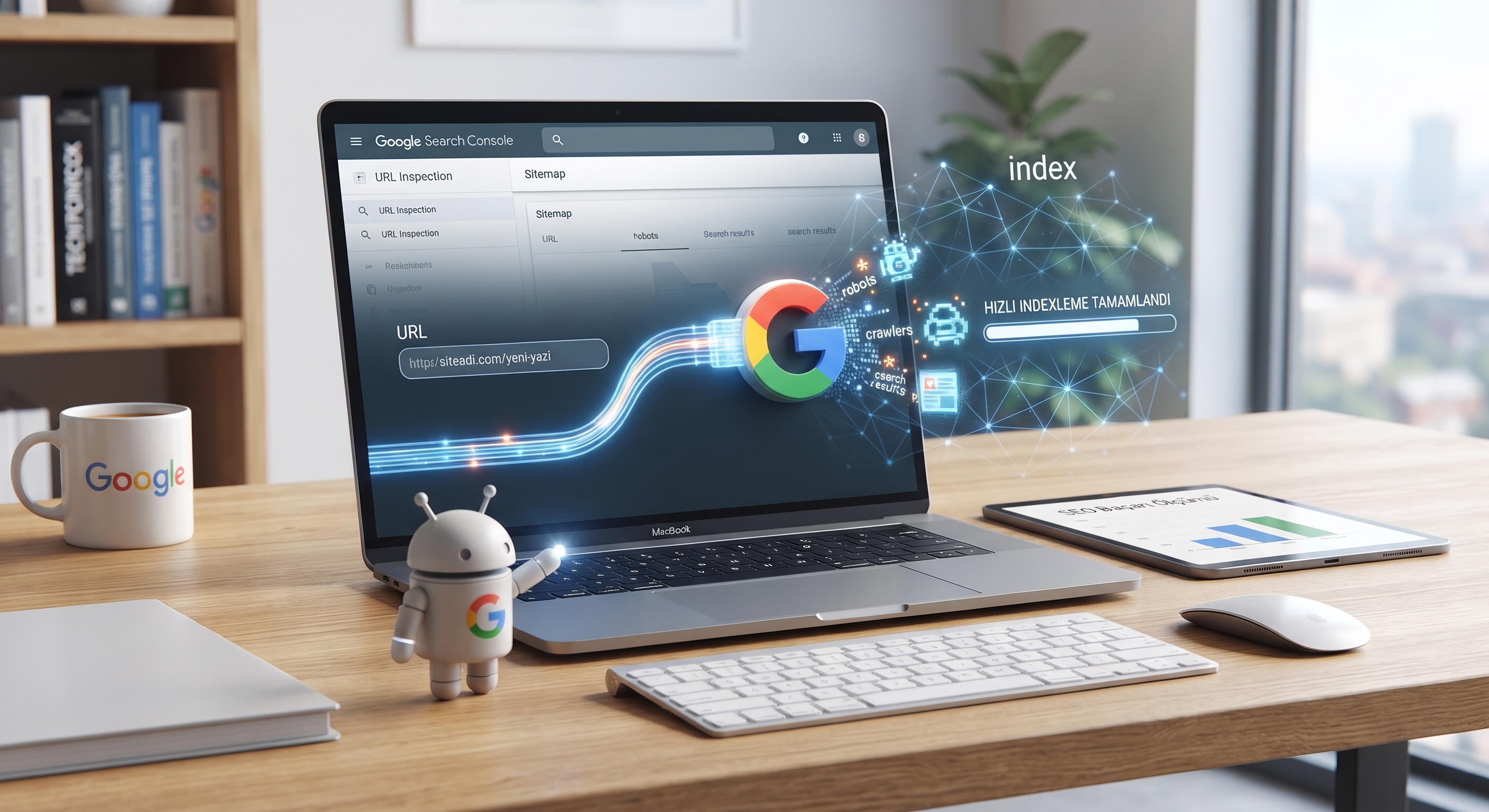
By adding the URL of newly published content (narbilisim.com/blog//google-web-site-yoneticisi-ile-hizli-indexleme) as shown in the image and using the Fetch and Render function, we can get the content indexed within 1 to 5 minutes.
As shown in the image, we shared this page with Google within just one minute. This allows us to avoid both duplicate content issues and the need to use ping websites for faster indexing.
The Fetch as Google tool has two operating modes that you can use to test how Google crawls and renders a URL on your website:
Fetch – Quick Check
When the Fetch as Google tool is in Fetch mode, it crawls all URLs associated with the requested path. If Google successfully crawls the requested URL, you can receive a positive result in the response.
Fetch and Render – More Detailed View
Fetch and Render mode instructs Googlebot to crawl your website and display it as browsers would show it to visitors.
First, Googlebot retrieves all the resources referenced by your URL, such as images, CSS files, and JavaScript files, by executing the necessary code to render or capture a visual representation of your page.
You can use the rendered image to identify differences between how Googlebot sees your page and how your browser renders it.

Are There Any Disadvantages to Using Fetch as Google?

This is a question frequently asked and wondered about by many people. Using this service does not cause any harm to your website. However, if your website is already being indexed at a normal speed, repeatedly using the tool in quick succession is not recommended. It is also not advisable to use it excessively throughout the day for pages that have already been indexed.
Source: NAR BİLİŞİM TEKNOLOJİLERİ
