
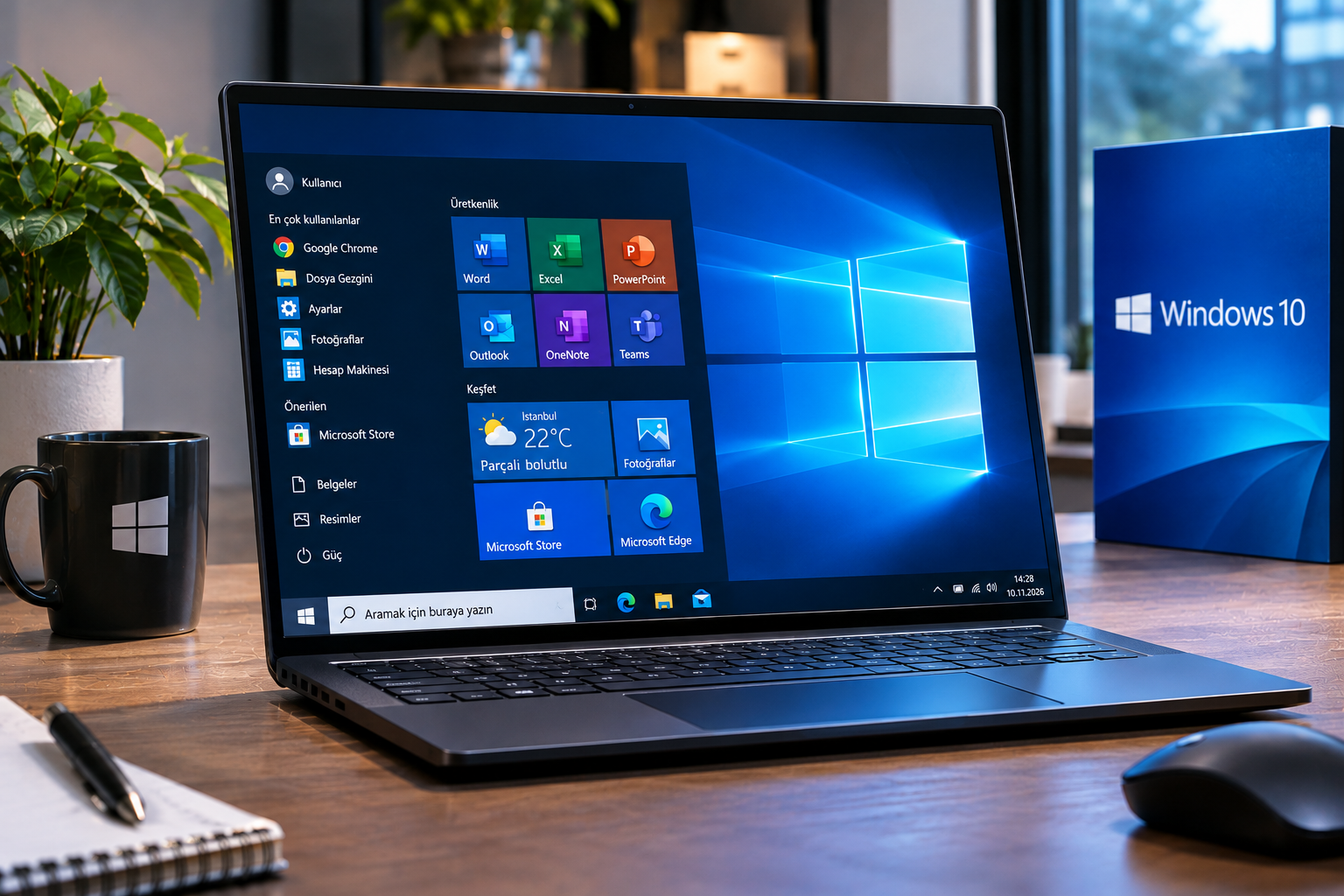
Everything About Windows 10
Microsofts new operating system has been introduced. Find out everything you need to know about Windows 10 in our article.

While everyone was expecting Windows 9, Microsoft surprised everyone with Windows 10. With this announcement, Microsoft aims to attract more attention and highlight the differences between its new operating system and Windows 8. Windows 10 introduces several significant changes to the user interface.
Start Menu
One of the most criticized aspects of Windows 8 was the removal of the familiar Start menu and its replacement with a new Start screen. This change, which frustrated many users, appears to have been addressed by Microsoft with Windows 10.

The redesigned Start menu combines the popular live tiles of the modern interface with the familiar classic Windows experience. It offers both Windows 8 features and the traditional Windows interface.
On the left side of the new Start menu, programs and folders appear just like in the classic Start menu. On the right side, users can access Metro-style applications introduced with Windows 8. Favorite websites, applications, and contacts can also be added to this section.
Just as in Windows 8, live tiles update automatically and provide notifications to users. In this respect, Windows 10 brings together two different approaches. It offers a new Start menu that appeals both to users who miss the classic Start menu and to those who find Metro-style applications useful.
No More Full-Screen Restrictions with Windows 10
Another major interface improvement concerns full-screen applications. With Windows 8, Windows App Store applications were designed to run in full-screen mode. With Windows 10, users have complete control over how these applications are displayed. They can choose to run Windows App Store applications in full-screen mode or resize them according to their preferences.
A New Multitasking Experience

Another innovation introduced with Windows 10 is the desktop view. The new version aims to improve the screen used to switch between open windows. This makes it easier to view all open windows on the desktop and switch to the desired application.
In addition, the virtual desktop feature allows users to create multiple desktops for different purposes instead of working with a single desktop.
More Ways to View Windows

The Snap feature, available in previous Windows versions, has also been improved in Windows 10. Users can now display up to four separate windows on the screen at the same time.
When Will the Final Version Be Released?
Microsoft has stated that Windows 10 will continue to be developed based on feedback received over the coming months. The final version of Windows 10 is expected to be released in mid-2015, following the Microsoft BUILD conference.
